Redefine Drafting Technology
Today, most users lack experience with the drafting table; however, by transferring the well-practiced, thousand-year-old routine of working with instruments to software like Geometria2, users will likely be encouraged to learn the logic of elementary geometry and appreciate its beauty.
Among the modern geometric tools, the second tool (P/P) best exemplifies logic: it is an improved digital version of the drafting machine attached to the drafting table. This tool alone can easily perform thirteen different functions.
Geometria2 Design
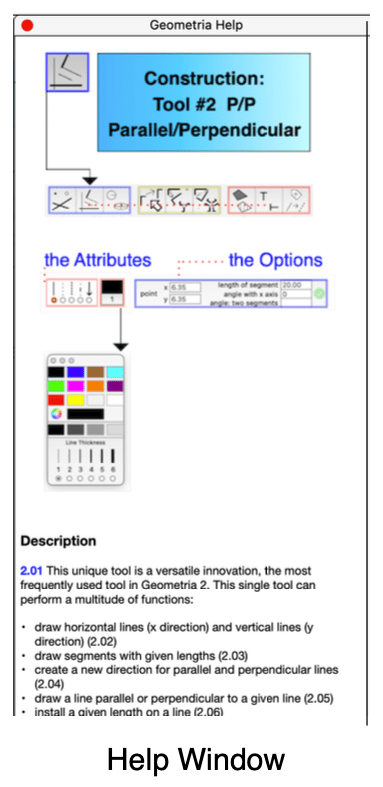
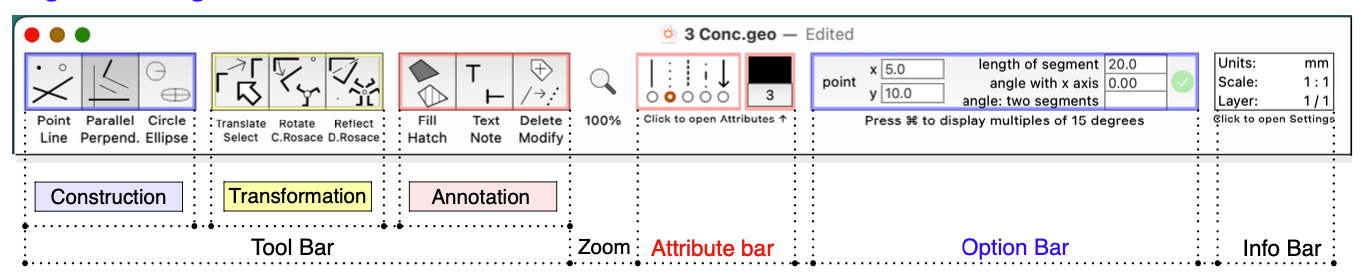
The design of Geometria2 reflects 40 years of experience in teaching geometry and design, research in applied geometry, and practice in structural engineering, with an emphasis on visual aspects. Still, contrary to the current practice in the digital industry, we decided to keep the number of tools to nine and the menu items to a minimum, while offering the functions necessary for all graphic needs. Additionally, there’s a Help section in all nine chapters, and when it is displayed, it leaves the working window mostly uncovered, so it can be free to draw.
Crowded App Market
The market for graphic software is getting crowded, but we aim to compete with simplicity and innovation, striving to make things simpler in future updates of our app offering.